

LiteEditor
The spatial IDE for multi-agent workflows. Free & open source.
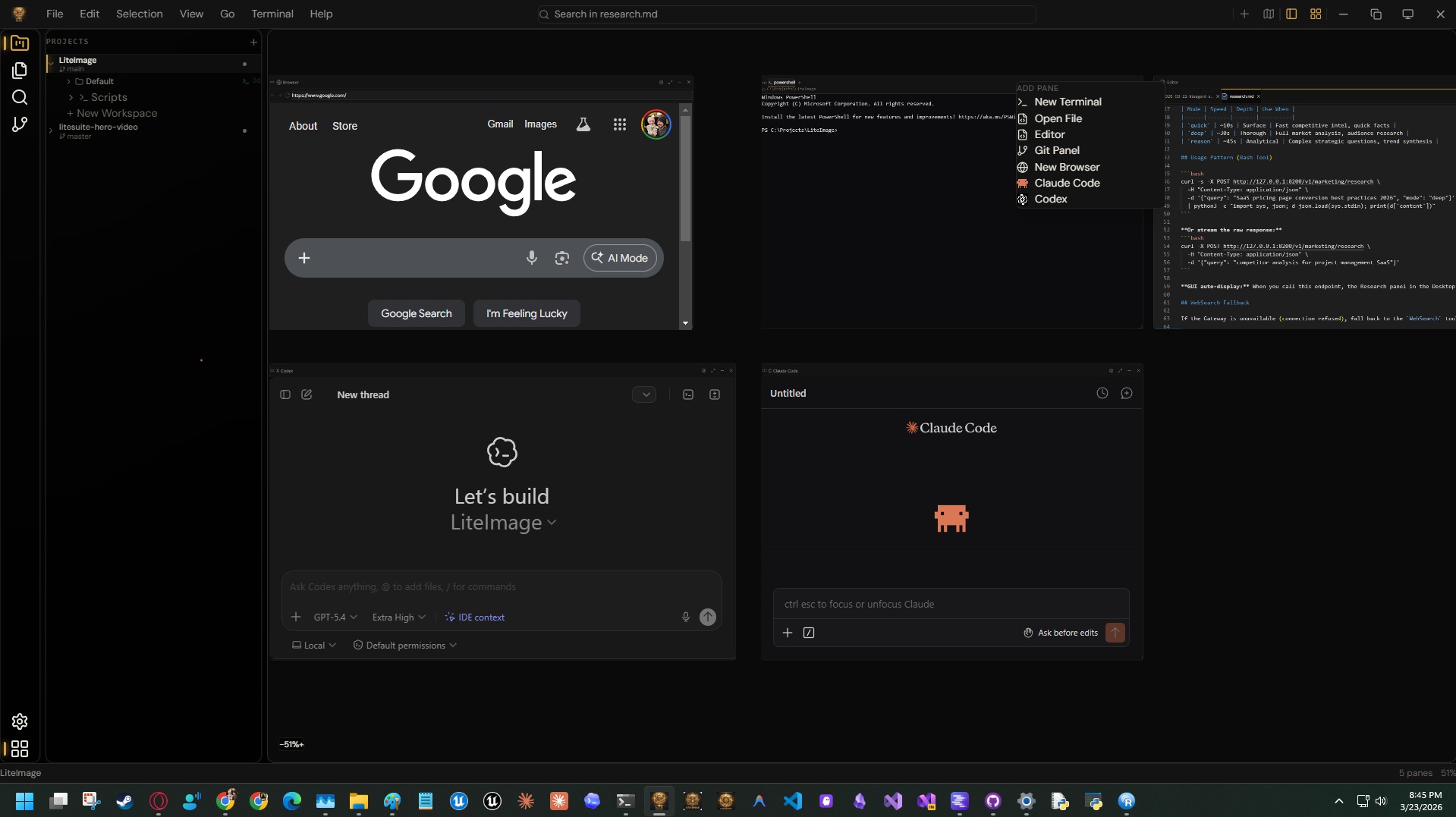
The code editor Theo described but nobody had built yet. An infinite 2D canvas where editor, terminal, browser, Claude Code, and Codex live as spatial panes — not tabs. Multi-project workspaces with git worktree isolation, dev server management, and Ctrl+1-9 project switching. Hosts the official Claude Code and Codex VS Code extensions unmodified. Free forever, no account required.Completely open source and free. Best experienced with the full Lite Suite and LiteCore — standalone clones will lack MCP gateway access, installer-managed updates, and shared package integration.
No account, no trial — yours forever.
What it does
Infinite Spatial Canvas
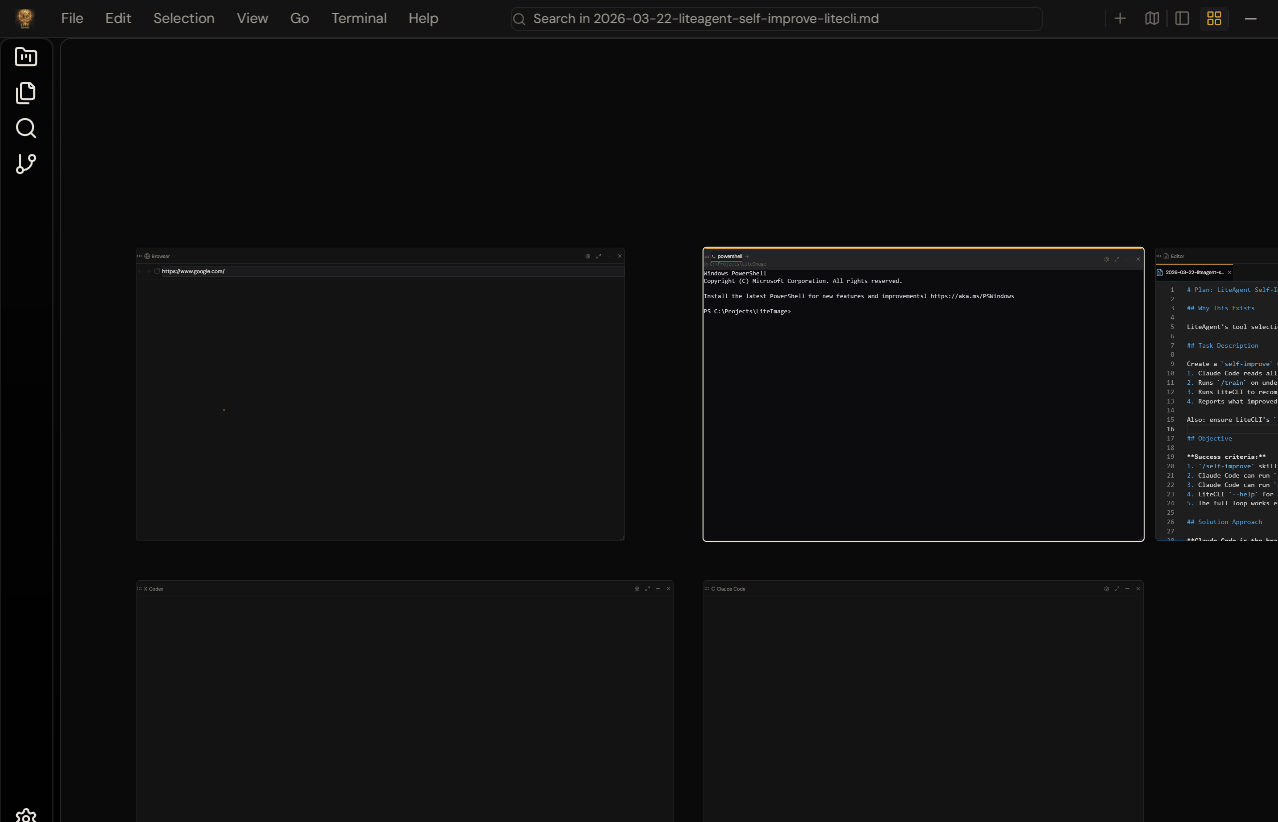
An infinite 2D workspace where panes never resize. Zoom, pan, and arrange editor, terminal, browser, and AI panels across an unbounded surface. Freeform or Niri-style column layout. No other editor does this.
Claude Code & Codex — Native
Hosts the official, unmodified Claude Code and Codex VS Code extensions as first-class canvas panes. Run multiple AI agents simultaneously across different projects. No wrapper, no fork — the real extensions.
Multi-Project Workspaces
First-class project management with named workspaces, git worktree isolation, and full canvas swap on project switch. Dev server auto-detection with run/stop from the sidebar. Ctrl+1-9 to jump between projects instantly.
Three Modes, One Editor
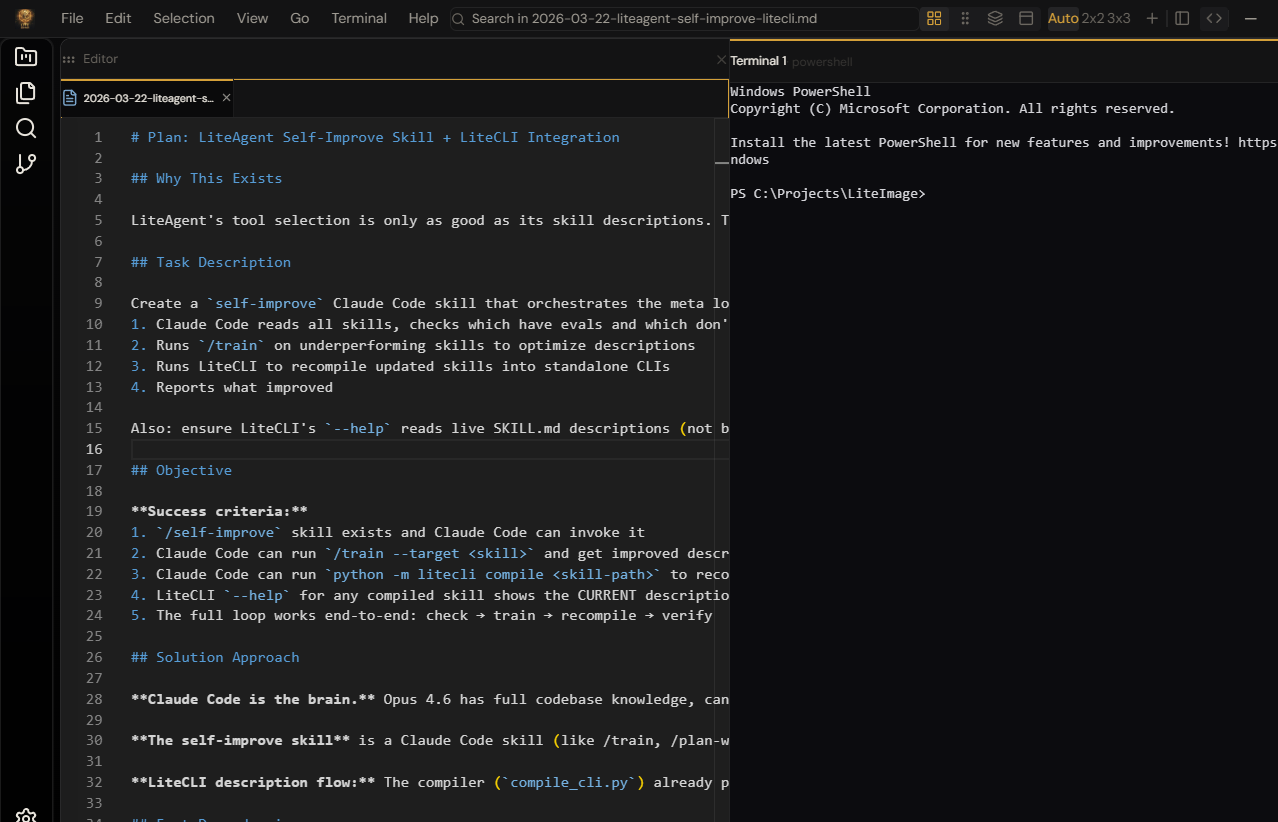
Canvas mode for spatial multi-agent workflows. Zen mode for distraction-free deep work with splitter, grid, tabs, and floating window layouts. Editor mode for classic VS Code-style editing. Switch freely — your workspace persists across all three.
Why LiteEditor
The only editor with a spatial canvas, purpose-built zen mode, and multi-project workspaces — free and open source.
See it in action
Demo video coming soon
Why is LiteEditor free?
LiteEditor is your introduction to Lite Suite. We want you to experience the quality firsthand — the speed, the polish, the attention to detail — before you decide to unlock the rest. No trial countdown. No sign-in wall. Just a fast, capable app that's yours to keep.
Ready to try LiteEditor?
LiteEditor is free — download the suite installer and it’s yours immediately.